If you're building an ISP, you probably know that MikroTik routers are the workhorses of the industry, especially when you're starting out and need to scale efficiently. But as many of us have learned the hard way, great hardware is only half the battle. Without smart automation, you’ll quickly find yourself buried in manual tasks instead of growing your business.
This guide is all about connecting your MikroTik router to a dedicated billing system, turning your powerful network gear into a fully automated operation from day one.
Why Automation Is Non-Negotiable for ISP Growth
Pairing your MikroTik router with an intelligent ISP billing platform like Centipid does more than just collect payments. It’s about building a system that runs itself, freeing you up to focus on what really matters: finding new customers and keeping your service reliable.
Think about the daily grind of running a network manually. With a proper billing integration, you can automate the most time-consuming jobs:
- User Access Control: The system automatically connects or disconnects users based on their payment status. No more chasing late payments or manually disabling accounts.
- Bandwidth Management: It enforces the correct speed limits for each customer's plan. This means no more manual configuration every time someone signs up or upgrades.
- Automated Billing: The platform handles everything from generating recurring invoices to processing payments, all without you lifting a finger.
This setup is the foundation for a profitable and scalable ISP, whether you're deploying PPPoE for residential customers or setting up public Wi-Fi with Hotspots.
To give you a clearer picture, here’s a quick overview of how key MikroTik functionalities are enhanced by the Centipid ISP Billing System. You can explore these features in detail at centipidbilling.com.
MikroTik and Centipid Core Feature Synergy
| MikroTik Feature | Centipid System Enhancement | Primary Business Benefit |
|---|---|---|
| PPPoE Server | Automated user credential management and plan enforcement. | Seamlessly provisions new residential customers without manual intervention. |
| Hotspot | Customisable splash pages, voucher generation, and session time limits. | Monetises public Wi-Fi and simplifies access for temporary users. |
| Queues / QoS | Dynamic bandwidth shaping based on active subscription plans. | Guarantees fair usage and delivers the exact speeds customers pay for. |
| API | Real-time communication for instant user activation or suspension. | Eliminates payment delays and reduces administrative overhead. |
Ultimately, this integration is what separates a hobbyist network from a professional ISP. It allows you to build a reliable, hands-off system that can grow with your ambitions.
Alright, before we get our hands dirty with the actual integration, let's get your MikroTik router properly prepped. Getting these foundational steps right from the start will save you a world of headaches down the line. Trust me on this.
Initial Router Housekeeping
First things first, your router must be running RouterOS version 7 or newer. This isn't just a suggestion; the features we need for a smooth connection with Centipid simply aren't available in older versions. If you're still on version 6, now is the time to upgrade. For detailed system requirements, always consult the official documentation at https://docs.centipidbilling.com.
Once your router is up to date, the next step is absolutely critical: take a full system backup. Think of it as your "undo" button. If a setting goes sideways, you can restore your router to its last known good state in minutes.
With your backup safely stored, it’s time to wipe the slate clean. We're going to reset the router to its default configuration. I know it sounds drastic, but starting fresh prevents old, forgotten firewall rules or phantom user profiles from interfering with the new setup. It's the best way to guarantee a conflict-free installation.
Gathering Your Credentials
Now that the router is ready, let's gather the specific details you'll need for the connection. You'll want to have these handy:
- Your Public IP address.
- The API keys generated from your Centipid account.
I also recommend bookmarking the official documentation at https://docs.centipidbilling.com. It’s an invaluable resource to have open as you work through the process. And remember, if you ever get stuck or just want a second pair of eyes on your work, don't hesitate to contact the Centipid support team for help.
Setting Up PPPoE for Your Residential Subscribers
When you're building out an ISP, getting residential customers connected reliably is your bread and butter. For most of us using MikroTik gear, this means setting up a solid PPPoE server. This is what will handle authenticating your subscribers, handing out their IP addresses, and making sure they get the internet plan they paid for.
The real magic happens when you connect your router to a billing system like Centipid using RADIUS. This is how you automate the entire process, from sign-up to monthly billing. You can find detailed instructions for this integration at https://docs.centipidbilling.com.
Before we dive into the nitty-gritty of PPPoE server configuration, let's get the router itself prepped. I can't stress this enough: always start with a clean slate.
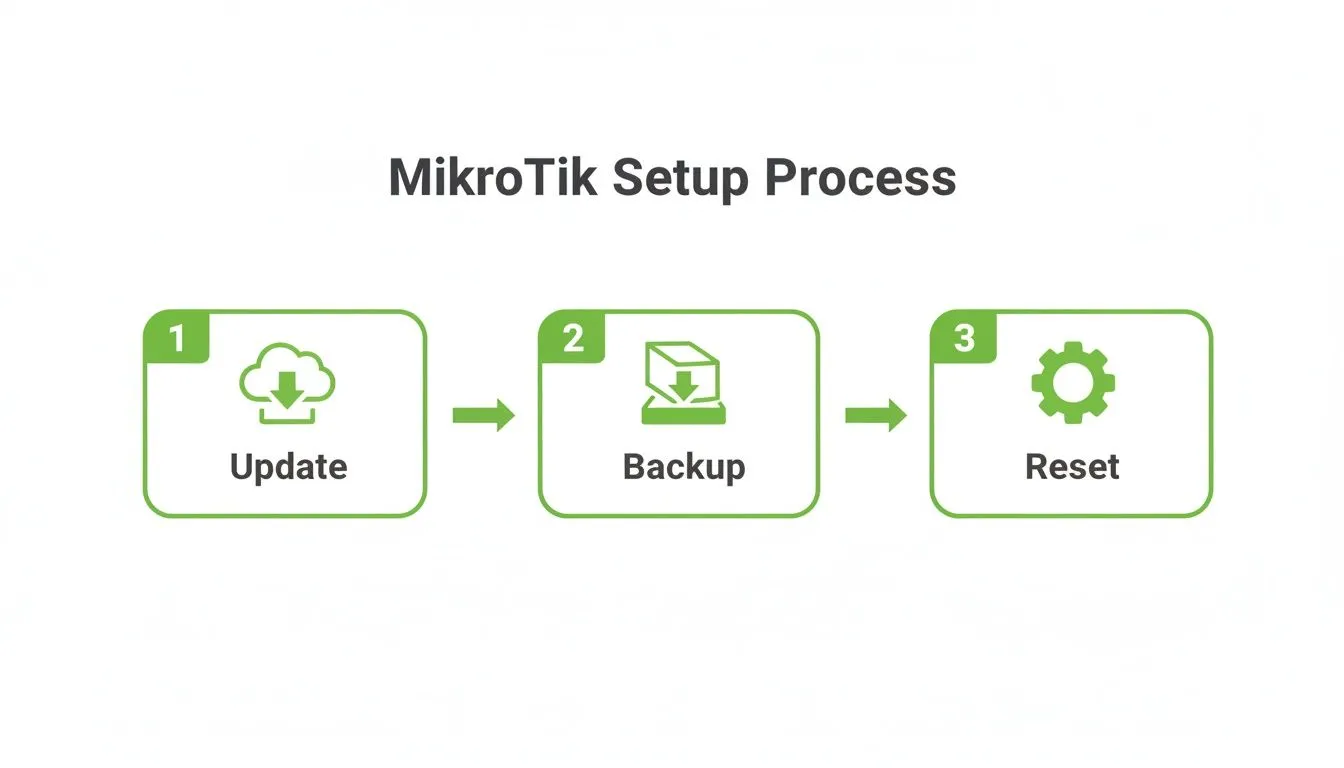
Following this simple process, update, backup, and reset, saves you from countless headaches down the line. A router with a clean, updated configuration is a reliable router. It prevents old, conflicting rules from causing strange issues you'll spend hours trying to debug.
Here in Kenya, this kind of scalable setup is more important than ever. We saw mobile data subscriptions jump from 52.5 million to 58.6 million in just a matter of months. Local ISPs have leaned heavily on the MikroTik and Centipid combination to manage this incredible growth.
The ability to automate invoicing and enforce service policies on the fly isn't just a convenience; it's absolutely vital for staying profitable in a rapidly expanding market.
This powerful integration is what allows a small team to manage thousands of subscribers without being overwhelmed. You can read more about the challenges and opportunities in the local telecom space over at Business Daily Africa.
Deploying a Powerful Hotspot With a Captive Portal
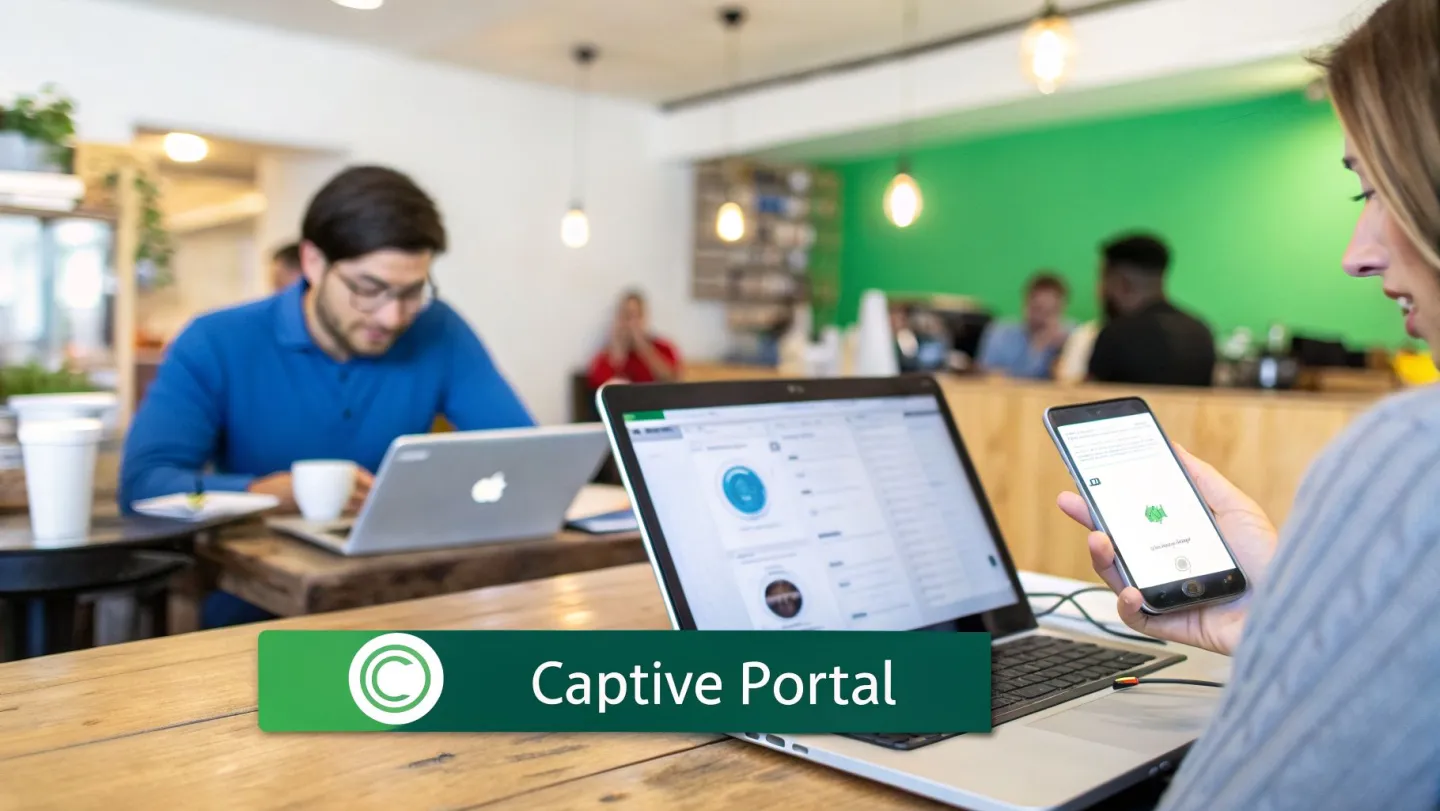
Ready to turn that public Wi-Fi in your cafe, hotel, or campus into a real business asset? Setting up a MikroTik Hotspot isn't just about giving people internet access; it's about creating a new revenue stream.
The first thing you’ll want to do is create a dedicated bridge and a separate IP range specifically for your hotspot users. This is a crucial step for security. It effectively builds a wall between your guest traffic and your main operational network, keeping everything safe and sound.
Now, here's where the magic really happens: integrating with Centipid's captive portal. You can check out the full system at centipidbilling.com.
Once you link your MikroTik router, every new user connecting to your Wi-Fi is automatically redirected to a branded login page hosted by Centipid. From this portal, you can offer all sorts of access models, think voucher codes, limited free trials, or even direct online payments. This model is gaining serious traction, especially in markets like Kenya, where startups have secured Ksh 82 billion to deploy robust hotspot networks. You can read more about this trend in MTS Africa's analysis of Kenya's tech leadership.
By using features like percentage-based hotspot plans and voucher management, you can transform a simple Wi-Fi service into a consistent profit centre, all managed from a single dashboard. For a detailed guide on configuring these features, refer to https://docs.centipidbilling.com.
Automating Bandwidth Management and Usage Policies
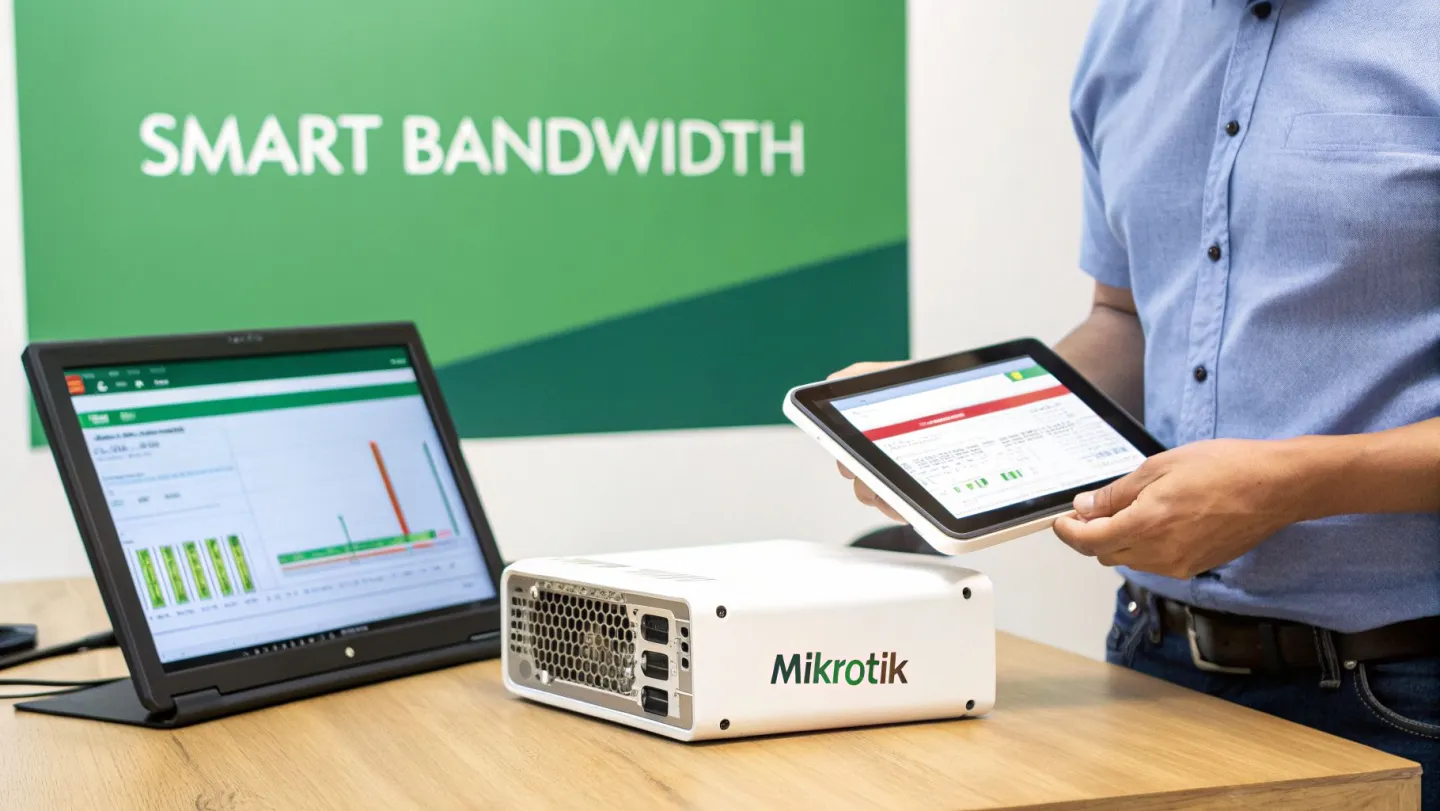
Getting your customers online is one thing; keeping your network running smoothly and profitably is a whole different challenge. This is where the real work begins, and it's all about smart control. You’ll want to combine MikroTik’s powerful Quality of Service (QoS) features with Centipid's intelligent automation.
Forget the days of manually tweaking speed limits for every single customer. It's just not scalable.
Instead, you can create tiered service plans right inside your Centipid dashboard. Think "5 Mbps Basic" or "10 Mbps Pro" packages. The moment a user connects and authenticates, Centipid talks to your MikroTik router and instantly applies the correct bandwidth rules. This dynamic, hands-off approach is crucial for managing your network resources without pulling your hair out.
You can also take it a step further by implementing Fair Usage Policies (FUPs). This is your best tool for managing heavy users and reining in those bandwidth-hungry apps that can degrade the experience for everyone else. It’s about ensuring fairness and quality across your entire network. A good ISP billing software is essential for making this happen automatically. You can explore how Centipid implements FUPs and other policies by visiting centipidbilling.com.
Expert Tips & Next Steps
As you get ready to go live, I want to share a few final thoughts and answer some questions that often come up during this stage.
One of the most important pieces of advice I can give is this: start with a clean MikroTik configuration. From experience, trying to build on top of an old, complex setup almost always leads to trouble. Lingering firewall rules or outdated user profiles can cause bizarre issues that are an absolute nightmare to track down. Always back up your current setup, then reset the router to a clean slate.
For those of you using M-PESA, you might also find our guide on the Lipa Na M-PESA portal useful.
You've done the hard work of setting up your network. Now, let Centipid Technologies Ltd. handle the rest. Our billing system is designed to seamlessly manage your MikroTik network, automating everything from payments to user access.